
Products & Services page displays the list of products/services purchased with us.
Please follow the steps below to view and manage the service.
1. Login to Yeahhost client portal (https://cms.yeahhost.com.my/clientarea.php).
2. Under "Services" tab, click My Services.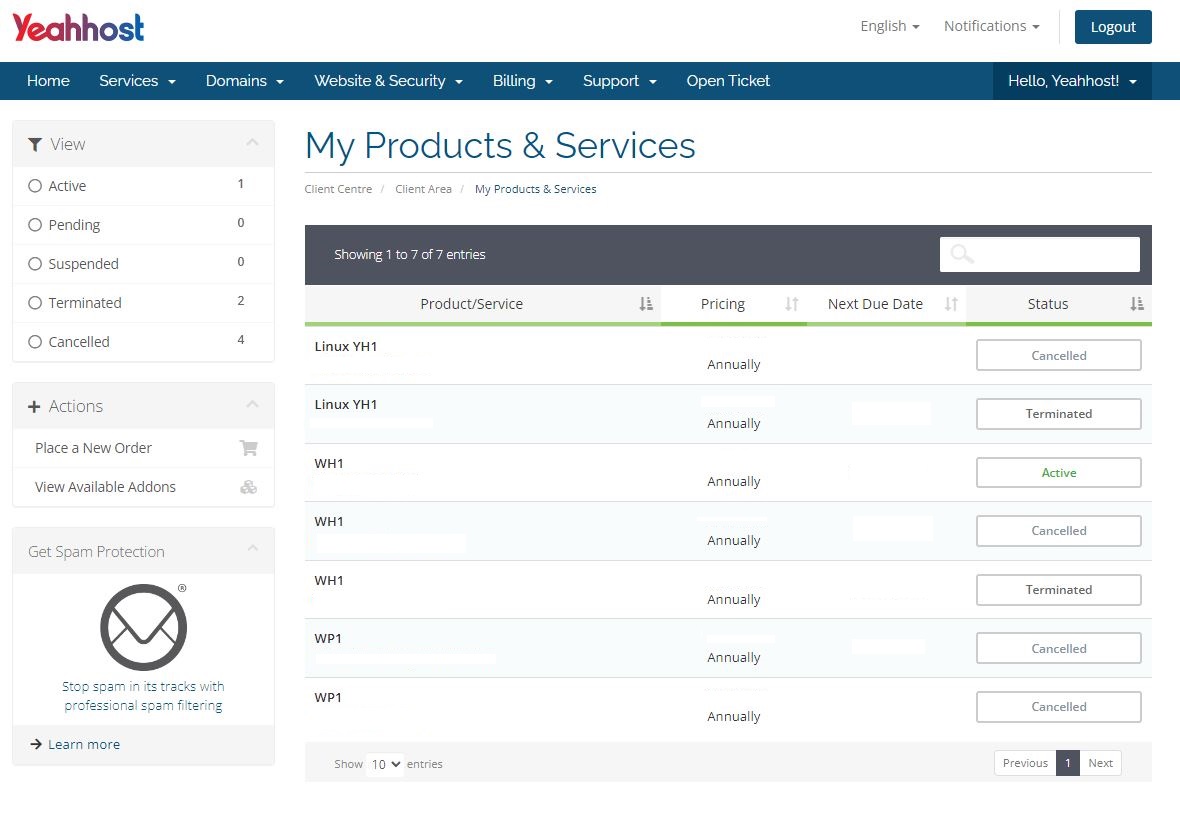
3. The following information is available on the page.
Product/Service: List of product/service purchased through us
Pricing: Price of the product/service and its billing cycle
Next Due Date: The next due date of the product/service
Status: Status of the product/service, such as Active, Suspended, Terminated and more
4. Click on the package/service name (e.g WH1) for detailed information.
* For cPanel accounts, client may also perform quick actions such as create email accounts and login to cPanel through the client portal.
* Client may also place a new order through this page.
- 1 Users Found This Useful